Greetings to all. I’m not really well versed with cloud native tools such as K8S and the like. I’m facing trouble for quiet a while now while trying to get meshery ui up and running on my local machine. Been getting this for quiet some time. I’ll be really grateful if you could guide me on how to go about this:

I followed all the steps as per the following link to first install kubectl too: Install and Set Up kubectl on Windows | Kubernetes
Are you building Meshery or deploying it?
If you’re deploying, identify the specific step that doesn’t work for you here - Installation | Meshery. If you are building, identify the specific step that doesn’t work for you here - Contributing | Meshery
I’m actually trying to deploy it on my local machine so that can I can explore tha codebase a bit before getting started on actually tackling issues
Excellent. Let me/us know if you run into an issue with a specific step in the installation instructions - Installation | Meshery. Make sure that the location (network) in which you are deploying Meshery Server has network connectivity to the location (network) in which you are deploying Kubernetes.
Hello, I did everything the instructions said, but in the end on running meshery system start im getting the following:

just tried to run mesheryctl system start again after trying to work my way around the errors I had been getting thus far and now Im getting this:

pls help @Lee
@MUzairS15 created the config_minikube.yaml file just like how it was mentioned in the link to the topic you provided
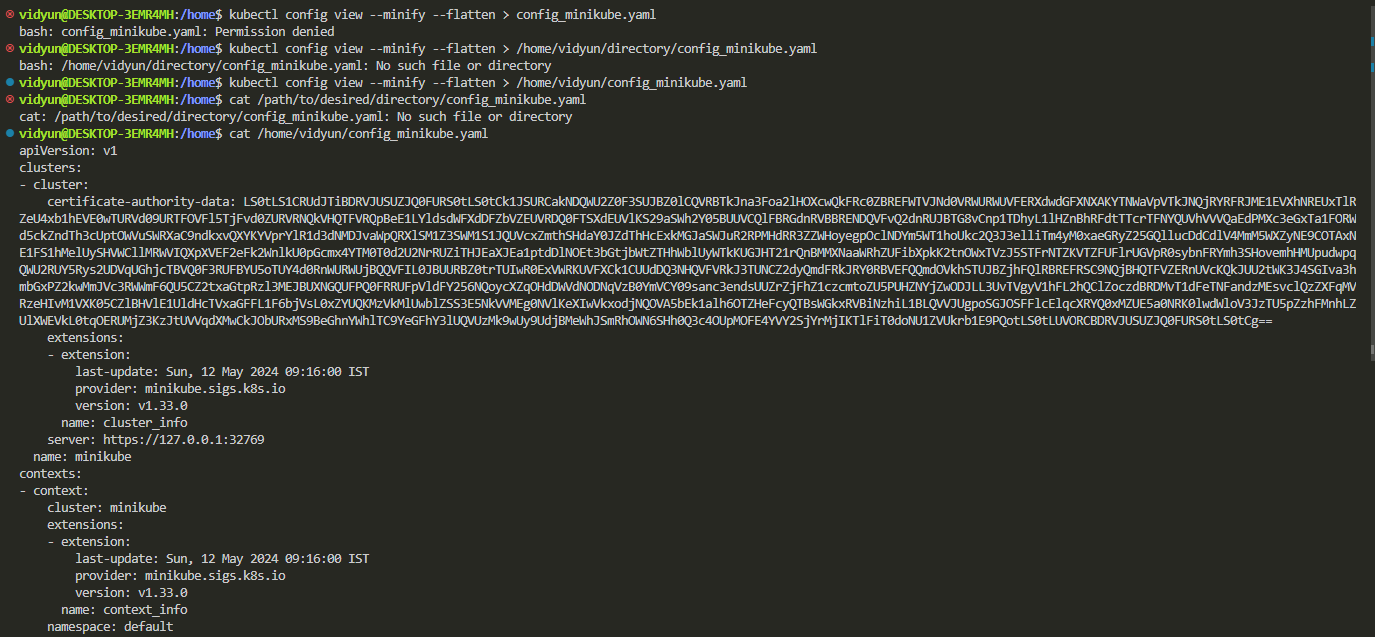
after that you wrote : ~/.kube/config-2 , then replace the kube config with the content of (unflattened config-2).
Im not able to understand what you mean by this so kindly help 
Replace the content of ~.kube/config with the output that you get after running the command.
did all of that too @MUzairS15 , replaced the content of the config file with the output I got in the terminal.
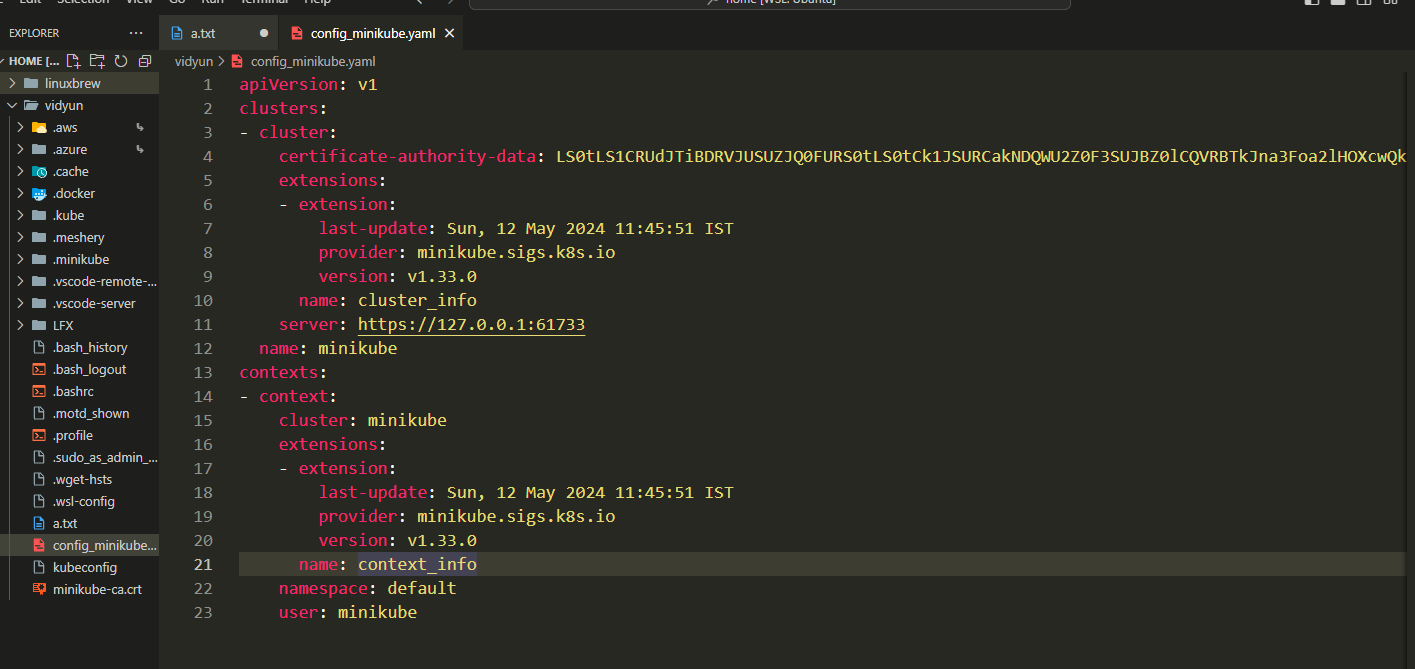
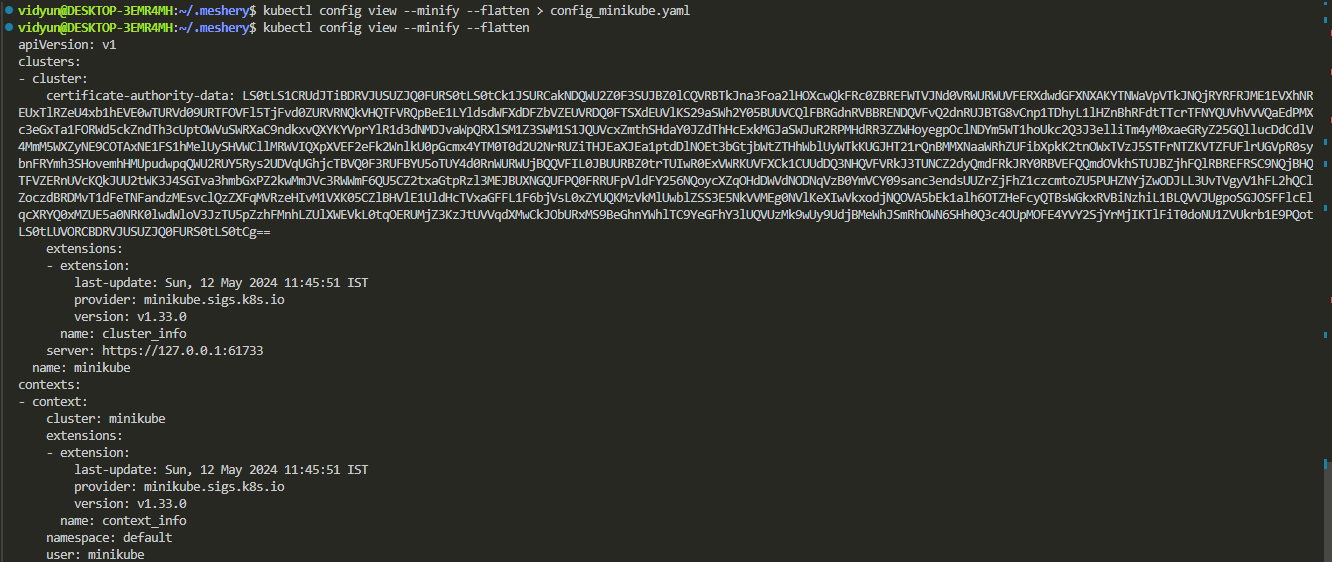
Im still getting:
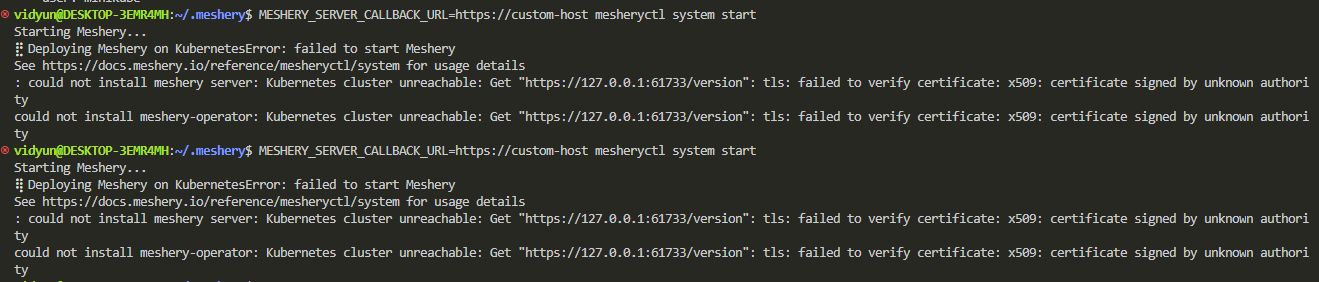
I’d be grateful if you could respond pls @MUzairS15
I am unsure why is this still happening if you did all these steps.
Can you purge and start the minikube cluster fresh?
Or use kind/docker-desktop
Maybe this could help
Also is minikube running ?
Confirm by this → minikube status
Which OS are you using ?

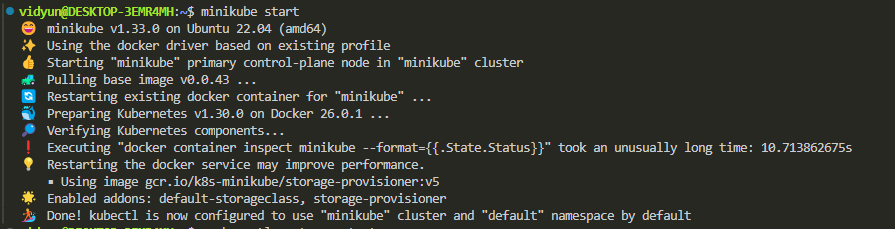
Once Minikube is running, please try executing mesheryctl system restart and then share the output. Your experience, @anon72498179, could be quite helpful here.
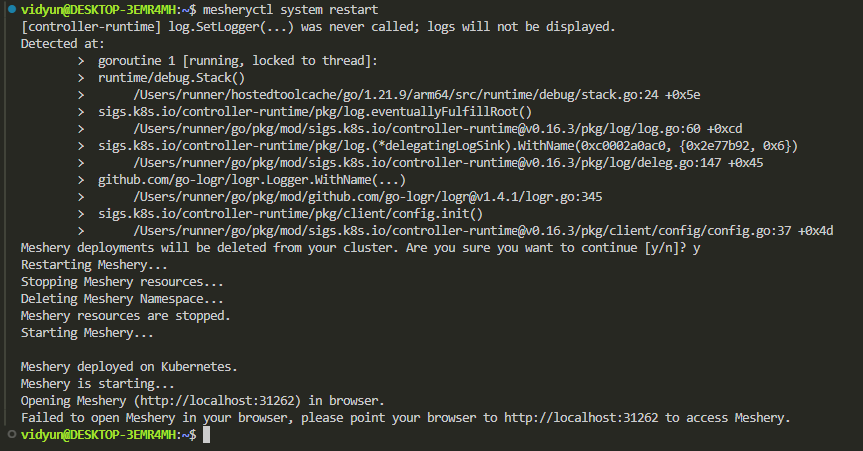
Well, now I don’t know why Meshery is not able to open the browser, but I would suggest purging the installed Meshery and starting fresh. Alternatively, as Uzair suggested, you could use docker-desktop.
The install instructions are not being followed.
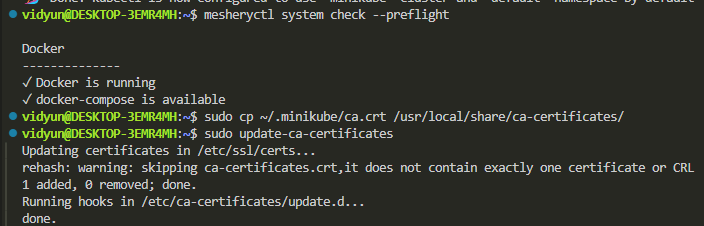
Maybe you could try the following:
- copy
.minikube/ca.crtin trusted certificates directorysudo cp ~/.minikube/ca.crt /usr/local/share/ca-certificates/ - update ca-certificates
sudo update-ca-certificates